
The best station in the world is no good if you can’t get it playing. This is the practical guide to hearing 313 LIVE wherever you are: at a desk, on a phone, in the car, or through the speakers at home. Everything here uses the same 24/7 stream of Detroit techno, house and electro, and every method below is one the station actually supports.
Short on time? Open 313live.org/live and press play. That’s it.
The stream at a glance
- Format: MP3 at 192 kbps, a standard format almost every device and player can handle.
- Hours: 24/7, programmed in four dayparts on Detroit (Eastern) time.
- Cost: free, with no account and no sign-up.
- Ways in: the website player, the installable app, and the .m3u or .pls playlist for media players and radio apps.
On a computer: the web player
Go to the live page and press the play button. The player never starts on its own, so you won’t get blasted when a tab opens; the status shows “Connecting” until audio is flowing, then switches to playing.
The live page is the station’s dashboard. It shows:
- the track that’s playing now and the one coming up next
- whether you’re hearing Studio 13, the station’s programmed rotation, or a live DJ
- the current daypart and what’s on after it
- the last several tracks, with a link to the full tracklist
- buttons to request a track or share the station
Once it’s playing, you can leave. The player dock sits at the bottom of every page on 313live.org, and the audio keeps going as you move around the site. Browse The Signal, check the schedule or search the request library without interrupting the music.
Prefer your own player?
Desktop players handle the stream well too. Download the 313 LIVE .m3u playlist (a .pls version is linked on the live page) and open it in:
- VLC: Media, then Open File, and choose the playlist. Or open the playlist file with VLC directly.
- Apple Music or iTunes: File, then Open Stream URL (Open Stream in iTunes), and paste the stream address from the playlist file.
- Winamp and other classic players: open the playlist file.
A playlist file is a small text file that points your player at the stream. Save it once, and the station is a double-click away.
On your phone: install 313 LIVE as an app
You don’t need an app store. 313live.org is built as an installable web app, so your phone can put the station on your home screen like any other app.
iPhone and iPad
- Open 313live.org in Safari.
- Tap the Share button.
- Choose Add to Home Screen, then Add.
Android
- Open 313live.org in Chrome.
- Open the menu (three dots).
- Choose Install app or Add to Home screen, depending on your version.
The 313 LIVE icon opens straight to the live player, without browser bars. Long-press the icon on supported phones for shortcuts to Listen live, the Schedule and Recently played. Once the stream is playing, you get lock-screen controls, so you can pause and resume without unlocking.
Want a dedicated radio app instead? Most internet-radio apps let you add a station by URL or import a playlist file. Use the .m3u playlist.
In the car
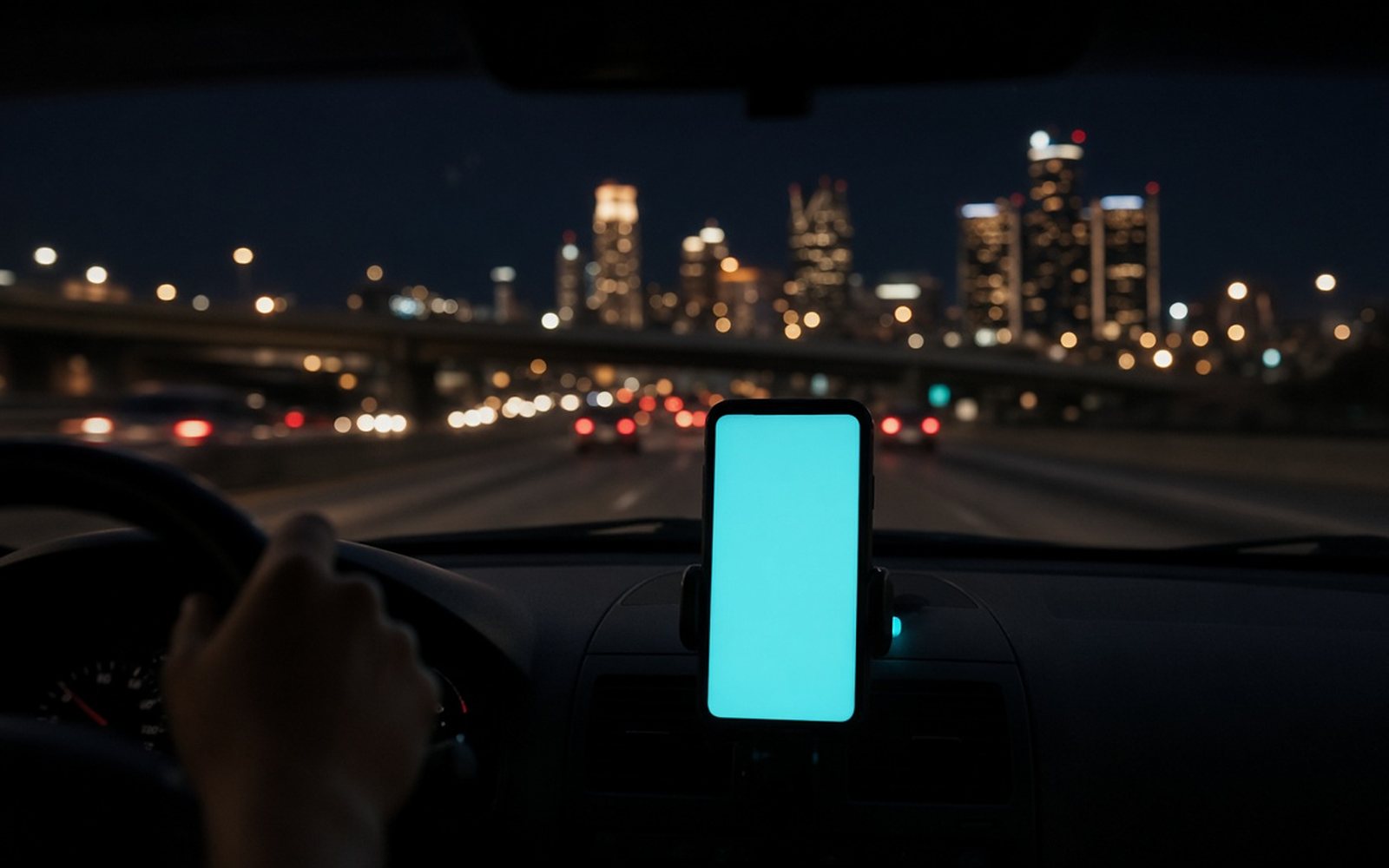
Your phone is the bridge. Start 313 LIVE on your phone, in the installed app or the browser, before you pull out, then send the audio to the car the way you normally would:
- Bluetooth: pair the phone, and the stream plays through the car like any other audio.
- USB or aux cable: works on almost any car with an input.
- Phone projection: if your car mirrors your phone’s audio, the stream comes through with it.
Two habits help. Start the stream while you’re parked, not while you’re driving. And because it’s a live stream, a weak cell signal can make it pause briefly; it picks back up when coverage returns. A Detroit-to-Ann-Arbor run on I-94 is a good test, and a better soundtrack.
On a speaker or home stereo
The same principle applies at home. There’s no special 313 LIVE device to buy; you send the stream from something you already own:
- Bluetooth speakers: play from your phone or laptop and connect.
- AirPlay speakers and receivers: start the stream on an iPhone, iPad or Mac and choose the speaker from the audio output menu.
- Cast-enabled speakers: if your phone or browser can cast audio to them, cast the tab or app that’s playing the stream.
- Network receivers, streamers and media servers: many let you add a custom internet-radio station by URL or playlist. Use the .m3u playlist or the stream address inside it.
- A computer plugged into the stereo: the oldest trick there is, and it still sounds great. Use the web player or VLC.
Voice assistants vary in whether they can play a custom stream by name, so the dependable route is to start the stream on a phone or computer and send it to the speaker.
Troubleshooting
Nothing happens when I press play
Give it a few seconds. The status reads “Connecting” until audio arrives. If it stays there, check your connection and press play again. Some browsers block audio until you interact with the page; one click on the play button counts.
The music stopped when my phone locked
Use the installed app (Add to Home Screen) rather than a regular browser tab. It’s designed for background playback with lock-screen controls. Battery-saver modes can also pause background audio, so check those settings if it keeps happening.
I want to know what that track was
The recently played page keeps the tracklist, searchable, going back up to seven days. Each track has a Find link to look it up on Bandcamp.
Make it yours
Getting the stream playing is step one. Knowing when to tune in is step two: the daypart guide explains what plays at each hour. Step three is listening like you mean it; see How to Listen to 313 LIVE Like a Local, and for ideas on building the station into your day, Tonight on the Signal. For the full picture of the station, from Studio 13 to the history of the sound, read the complete 313 LIVE guide.
Listening FAQ
Does 313 LIVE have an app?
Yes, as an installable web app. Open 313live.org on your phone and choose Add to Home Screen (iPhone) or Install app (Android). It opens straight to the live player and has lock-screen controls.
What is the 313 LIVE stream URL?
Use the station’s .m3u or .pls playlist, linked on 313live.org/live and in the site footer. Open it in VLC, Apple Music, Winamp or a radio app, or copy the stream address it contains into any player that accepts a URL.
What quality is the 313 LIVE stream?
The stream is MP3 at 192 kbps, which balances sound quality with reliable playback on mobile data and slower connections.
Can I listen to 313 LIVE in my car?
Yes. Play the stream on your phone and connect it to the car by Bluetooth, cable or your car’s phone-projection system. Start it before you drive.
Can I play 313 LIVE on a smart speaker?
Yes, by sending the stream from a phone or computer over Bluetooth, AirPlay or casting. Speakers and receivers that accept a custom stream URL can also play the .m3u playlist directly.


Comments
No comments yet.
Leave a comment